# Streamlit
Streamlit • A faster way to build and share data apps
Streamlit turns data scripts into shareable web apps in minutes.
All in pure Python. No front‑end experience required.
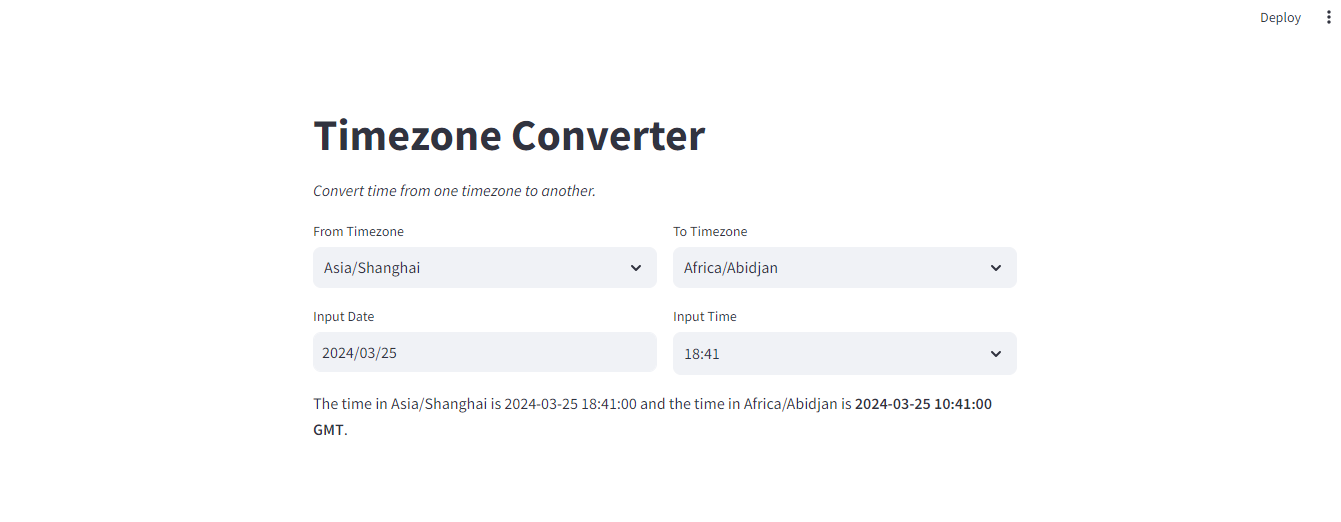
# Timezone Converter
1 | from datetime import datetime |
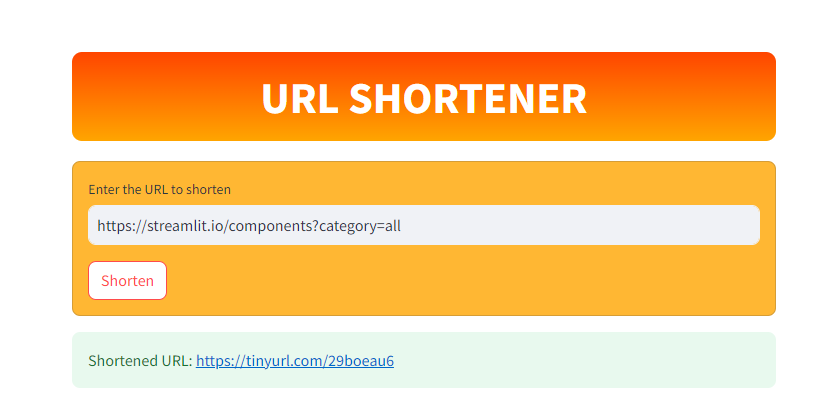
# URL Shorten
1 | import streamlit as st |
1 | /* Hidden Menu */ |
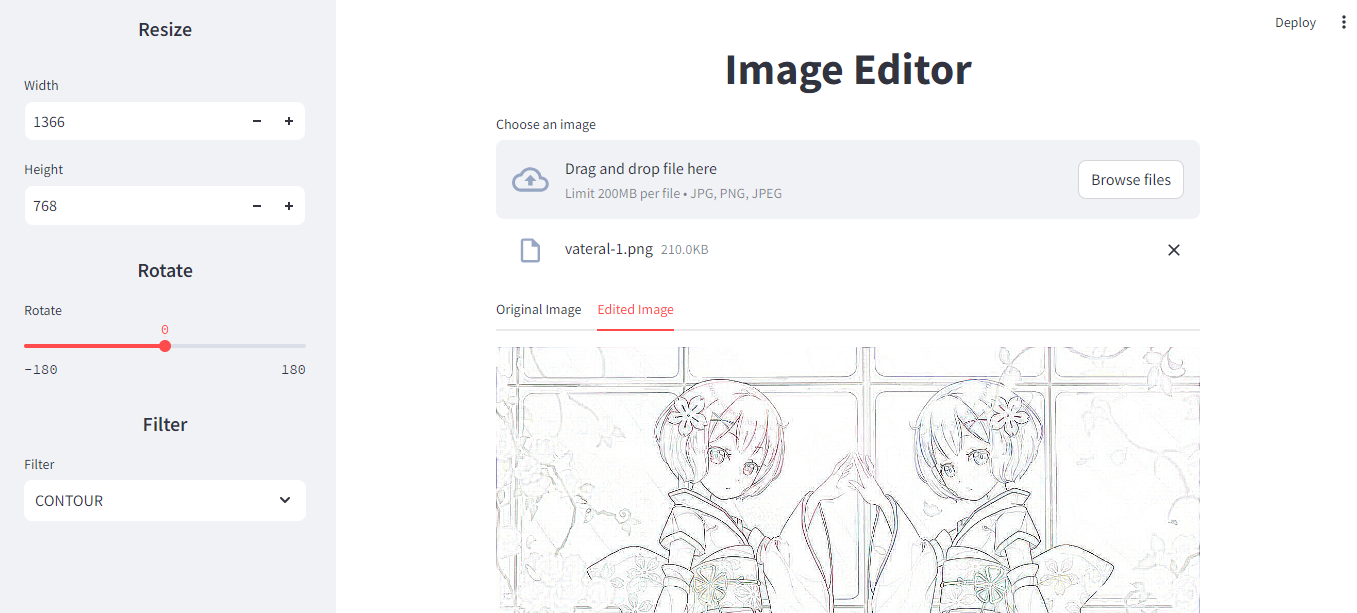
# Image Editor
1 | import streamlit as st |
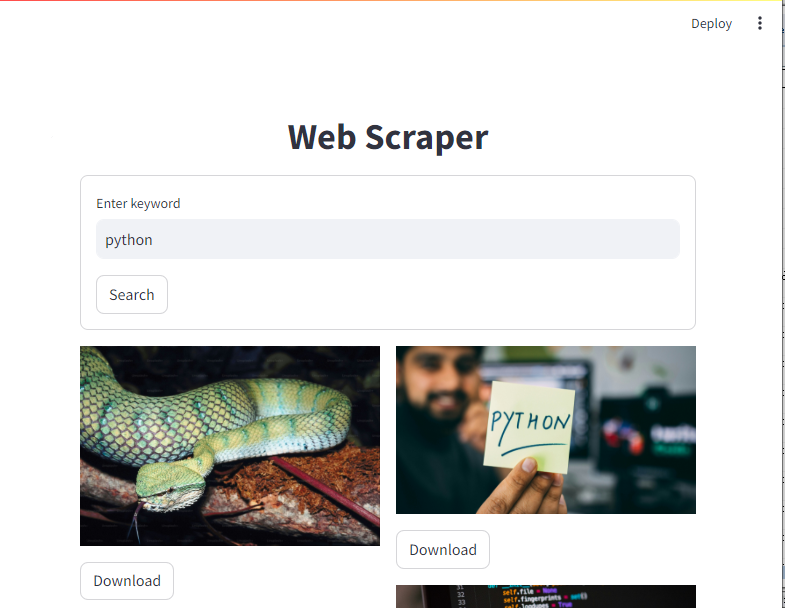
# Web Scraper
1 | import streamlit as st |
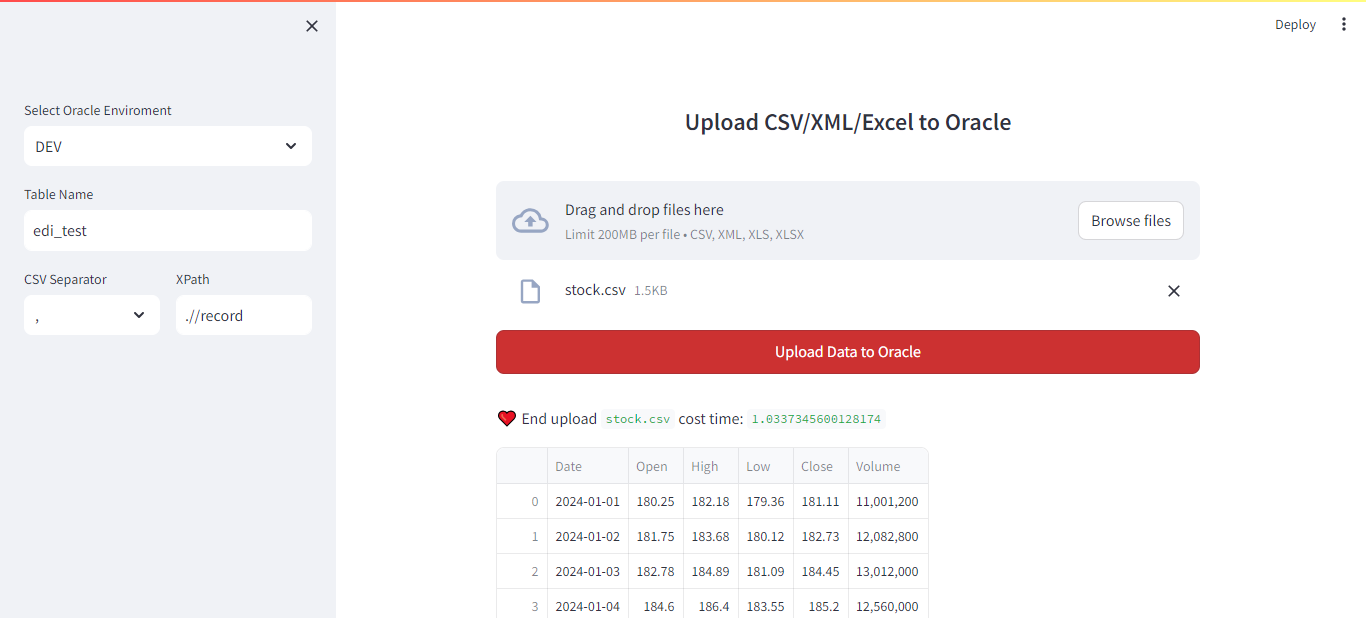
# Upload File Data to Oracle
1 | import os |
# XML to XLSX
1 | import os |
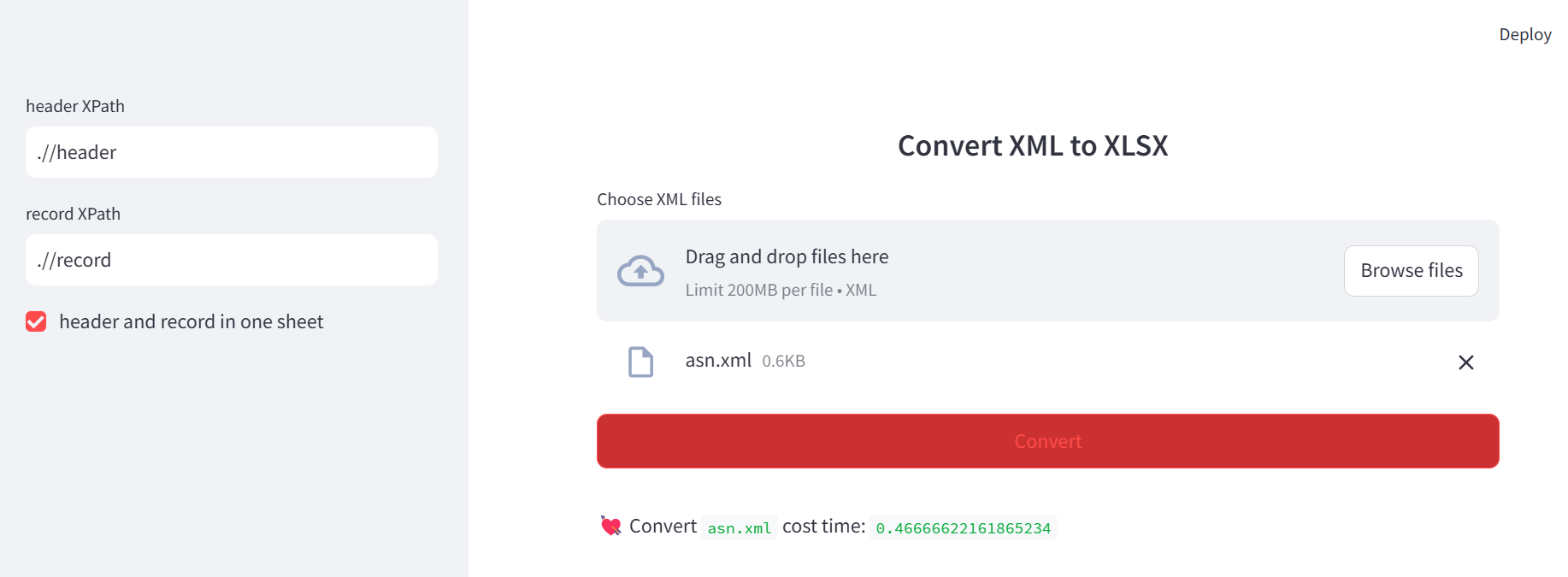
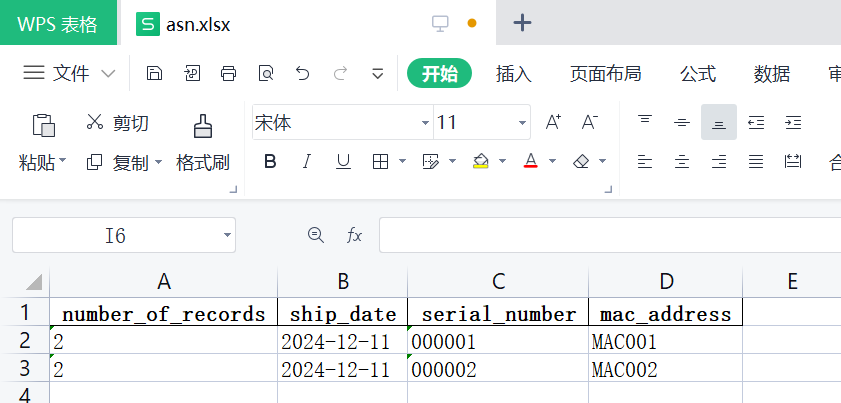
asn.xml
1 |
|
asn.xlsx
# Q&A
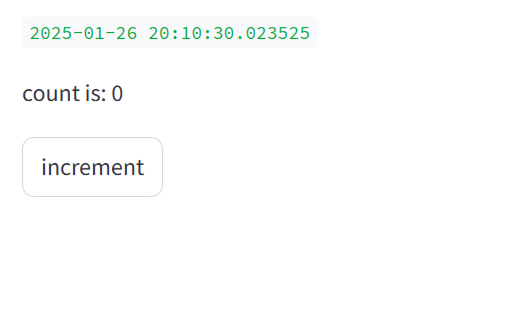
Why the count is 0 not 1 when click the increment button firstly?
After clicked the button the code will rerun from the begin. The increment() was executed after the rerun.
1 | import streamlit as st |
| Before Clicked | After Clicked |
|---|---|
 |
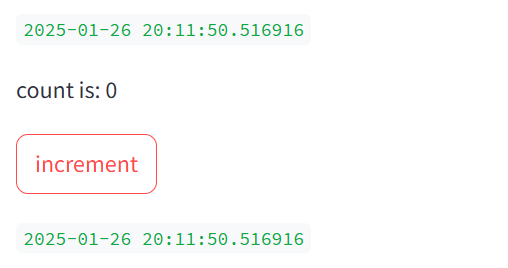 |
Solve method one is use on_click callback. on_click callback function will execute before the rerun.
1 | import streamlit as st |
Solve method two is change order of code.
1 | import streamlit as st |
Solve method three is use st.empty .
1 | import streamlit as st |
Solve method four is use st.rerun .
1 | import streamlit as st |
# Gradio
Gradio Build & Share Delightful Machine Learning Apps
Gradio is the fastest way to demo your machine learning model with a friendly web interface so that anyone can use it, anywhere!
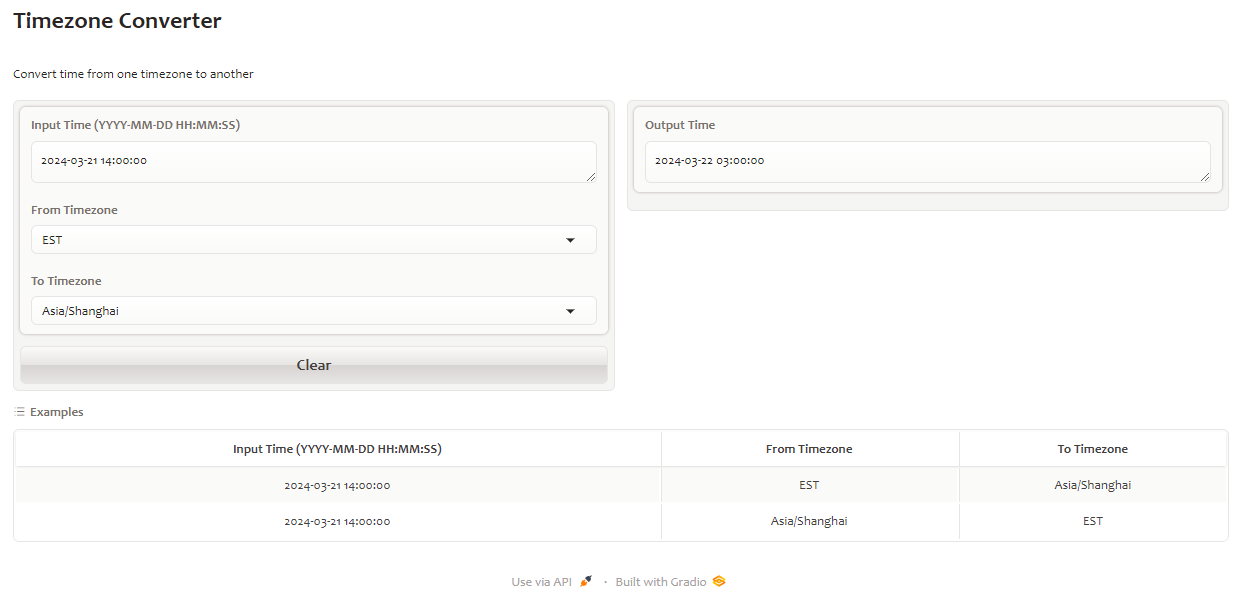
# Timezone Converter use Interface
1 | import pytz |
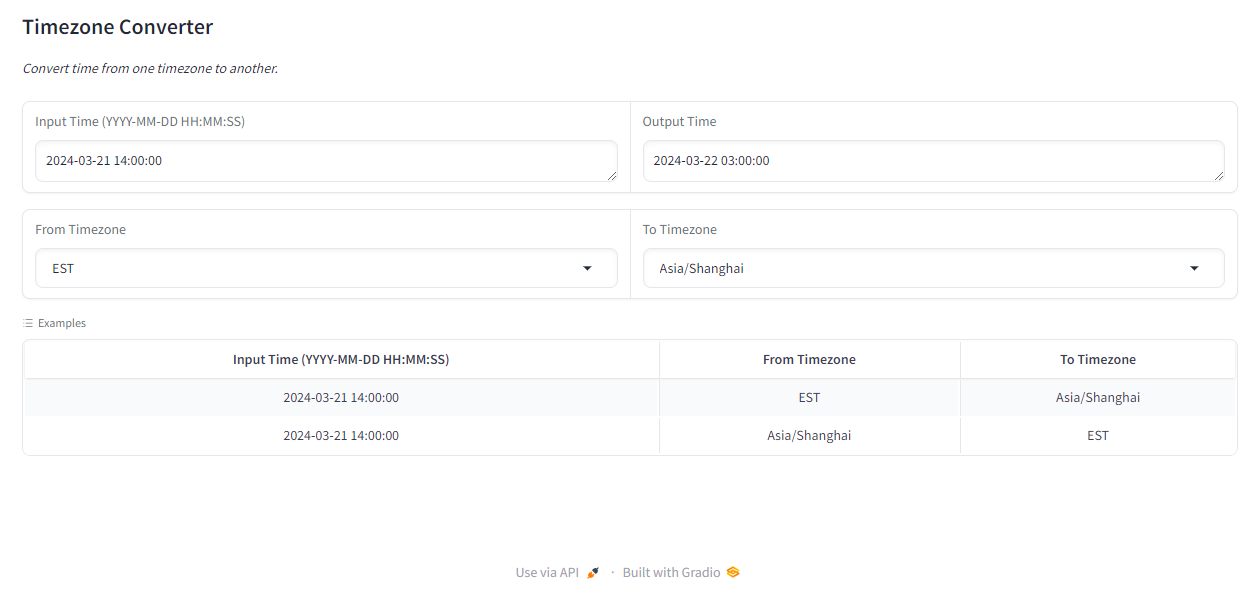
# Timezone Converter use Blocks
1 | from datetime import datetime |
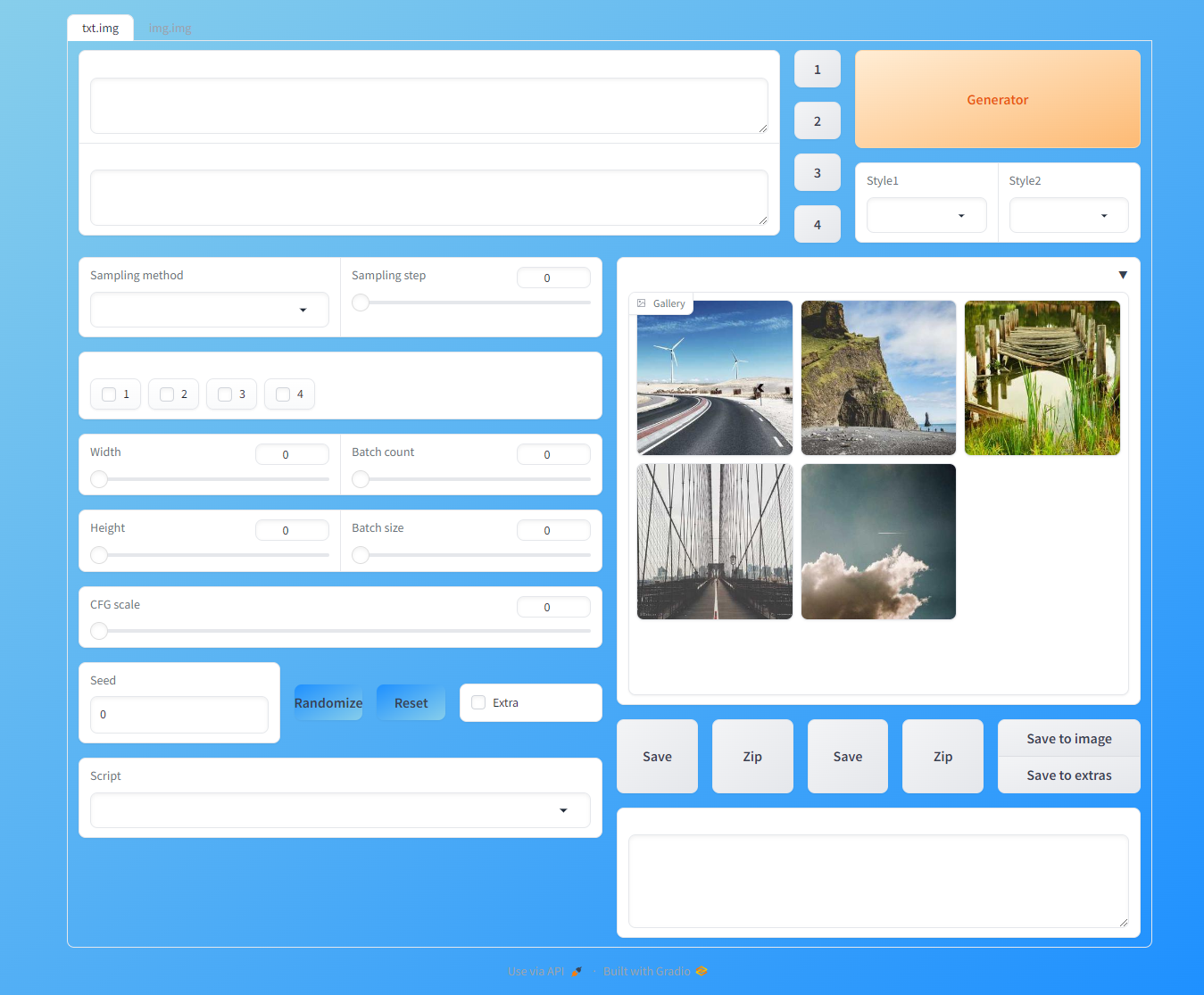
# Common Layout
1 | import gradio as gr |
style.css
1 | gradio-app { |
# Gradio in Notebook
Gradio can used in Python Notebook dirctlty.